Security Layers
Overview
Section titled “Overview”At Lightfunnels, we take your security seriously. We understand that online businesses like yours can face threats from fake orders, automated bots, and malicious actors. To ensure a safe and secure environment for you, we have implemented several security layers and features. In this document, we’ll explain how these features work to protect you and your online store.
Blocked Countries List
Section titled “Blocked Countries List”What it does for you:
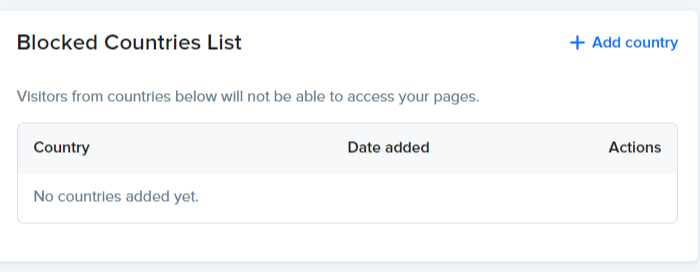
With the Blocked Countries List, you can prevent visitors from specific countries from accessing your pages. This feature helps you control who can view and purchase from your online store, reducing the risk of fraudulent activities from certain geographic locations.
Click Add country, select the countries you want to block and click Add. To do the opposite and only allow a few countries, select those countries and check Block all except selected countries above: visitors from every other country will be blocked.
Blocked Customer IPs
Section titled “Blocked Customer IPs”What it does for you:
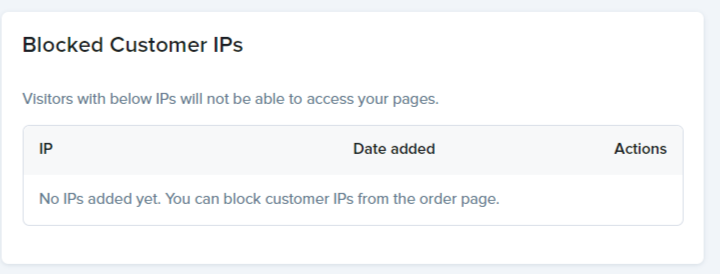
Blocked Customer IPs allow you to restrict access to your pages for visitors with specific IP addresses. This helps you block known malicious IPs and provides an additional layer of protection against unauthorized access.
Click Add IP address to block an IP manually. You can also block a customer’s IP directly from the order page.
Support Access
Section titled “Support Access”What it does for you:
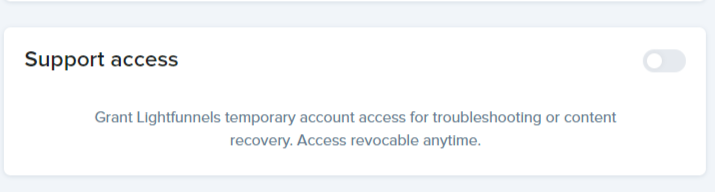
Support Access allows us at Lightfunnels to temporarily access your account for troubleshooting or content recovery purposes. You maintain control over when this access is granted and can revoke it at any time. This feature ensures that you receive the assistance you need without compromising your security.
CAPTCHA
Section titled “CAPTCHA”What it does for you:
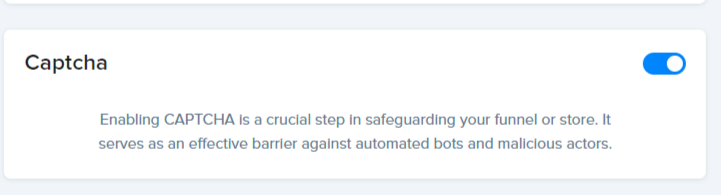
CAPTCHA verifies that real humans, not automated bots, are placing Cash on Delivery orders. When enabled, it only appears for suspicious traffic, not all visitors, so it won’t affect your conversion rates while still protecting you against fraudulent purchases and spam.
Max Items Per Order
Section titled “Max Items Per Order”What it does for you:
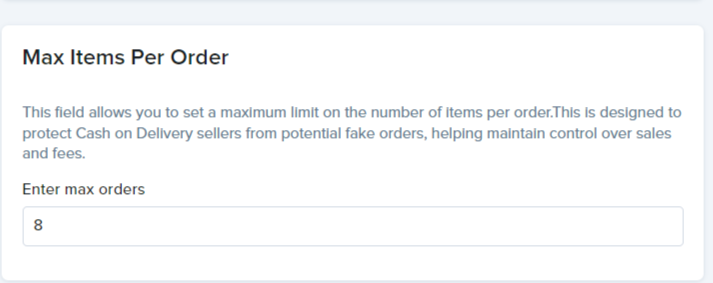
Max Items Per Order lets you set a maximum limit on the number of items that can be included in a single order. This feature is particularly valuable for Cash on Delivery sellers, as it helps prevent fake orders and allows you to maintain better control over your sales and associated fees.
Min Delay Between Cash on Delivery Orders
Section titled “Min Delay Between Cash on Delivery Orders”What it does for you:
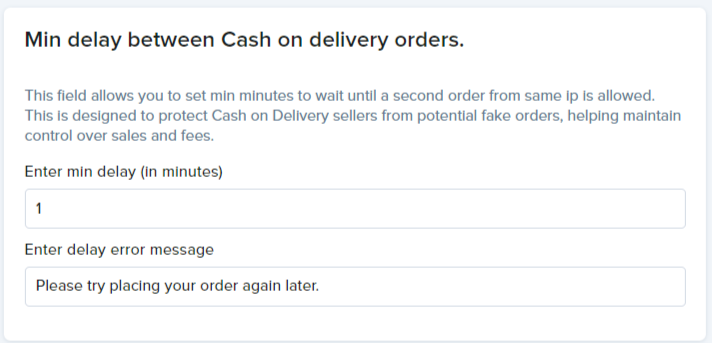
Min Delay Between Cash on Delivery Orders enables you to specify the minimum time interval that must pass before a second order from the same IP address is allowed. This helps protect Cash on Delivery sellers from potential fake orders, ensuring that each order is legitimate and reducing the risk of fraud.
By implementing these security features, Lightfunnels empowers you to create a safer online shopping experience for your customers while safeguarding your business from various threats. We believe that a secure environment is essential for your success, and we are committed to providing you with the tools and support you need to achieve it.
Happy selling 💸💸💸