Discounts
You can offer discount codes to your customers and prospects.
To create a discount, click on Offers on the sidebar, then Discount Codes, then New Discount.
Code - Click Generate code to create a random code automatically, or enter a custom code.
Type - Whether the discount will reduce the price by a Percentage or by a Fixed amount. Enter the amount in Value.
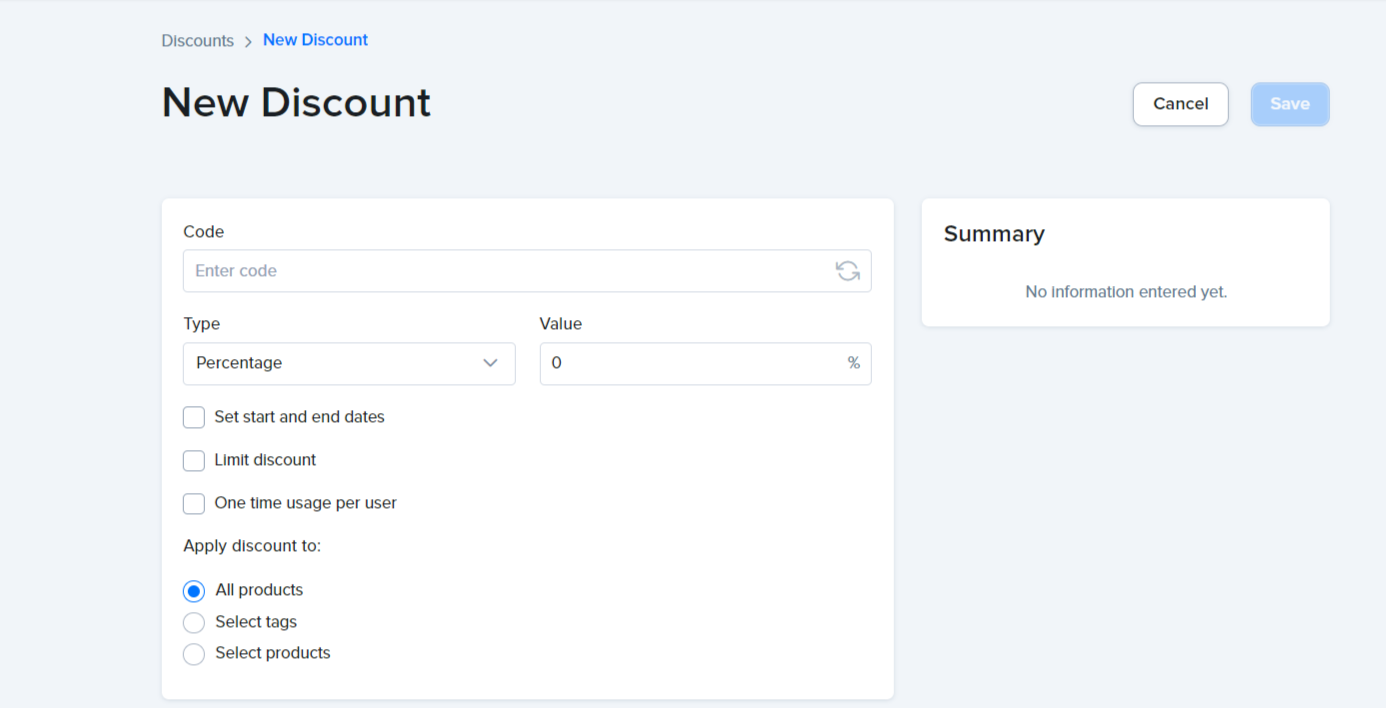
Set start and end dates - The date range during which this discount will be valid.

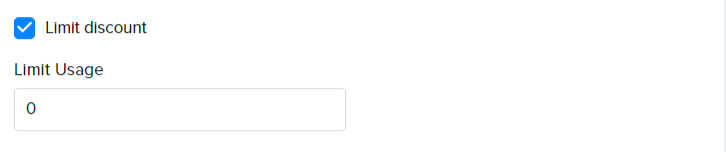
Limit discount - Limit the number of times the discount can be used.
One time usage per user - Only allow the discount to be used once by a customer identified by their email and / or phone number.

Apply discount to - Choose which products the discount works on:
All products- The discount applies to every product.Select tags- The discount applies to products with the tags you select.Select products- The discount applies only to the products you select.
Click Save to create your discount.
You can now share the code with your customers via emails or ads.
Important Note: Ensure your checkout page includes a coupon code input field, allowing your customers to apply the coupons you have generated.

Happy Selling 💸💸💸