Create a Lead Generation Funnel
Let’s create a lead generation funnel to collect emails or phone numbers from your prospects and build a list of leads.
When creating the funnel, feel free to open any page to edit it in the Page Builder.
Creating a New Funnel
Section titled “Creating a New Funnel”To create a new funnel, click on Funnels on the sidebar then on New funnel.
On the Choose your template screen, you have two simple options:
- Choose
Niche Template, clickNext, then pick theCapture leadsniche. This builds a funnel made to grow your audience with lead magnets. Learn more in AI Funnel Builder. - Choose
Blank Templateor any template, then add aLead capturepage yourself (see below).
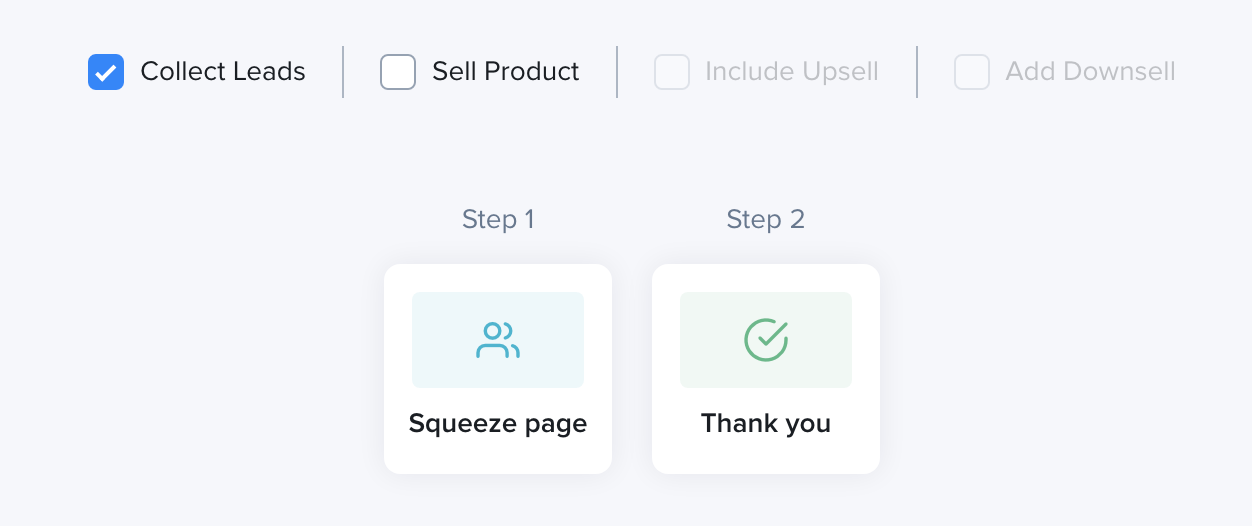
Lead Gen Funnel Creation
On the last step, enter a Funnel name and a Funnel URL, then click Open funnel.
You have now created a funnel and opened it in the funnel builder.
Adding a Lead Capture Page
Section titled “Adding a Lead Capture Page”A lead generation funnel is usually made of a Lead capture page and a Thank You page. A common practice is to put a Lead capture page in front of an e-commerce funnel.
To add one, click the + icon at the bottom right corner of the funnel builder and choose Lead capture. Then link its form to your Thank You page.
Now you can open each page in the Page Builder to edit it to your liking.
Recommendations
Section titled “Recommendations”- Learn more about building pages in the Page Builder section
- Learn about Split Tests
- Learn how to setup a e-commerce funnel