Go Incognito
Go Incognito lets you customize what people see based on their country. You share one funnel link, and visitors from the countries you pick are redirected to a different funnel.
Go Incognito is built into the dashboard, so there’s nothing to install. You’ll find it under Apps → Installed apps → Pre-installed Apps.
Create a redirect
Section titled “Create a redirect”- In your dashboard, go to Apps → Installed apps and click Go Incognito.
- Click New redirect.
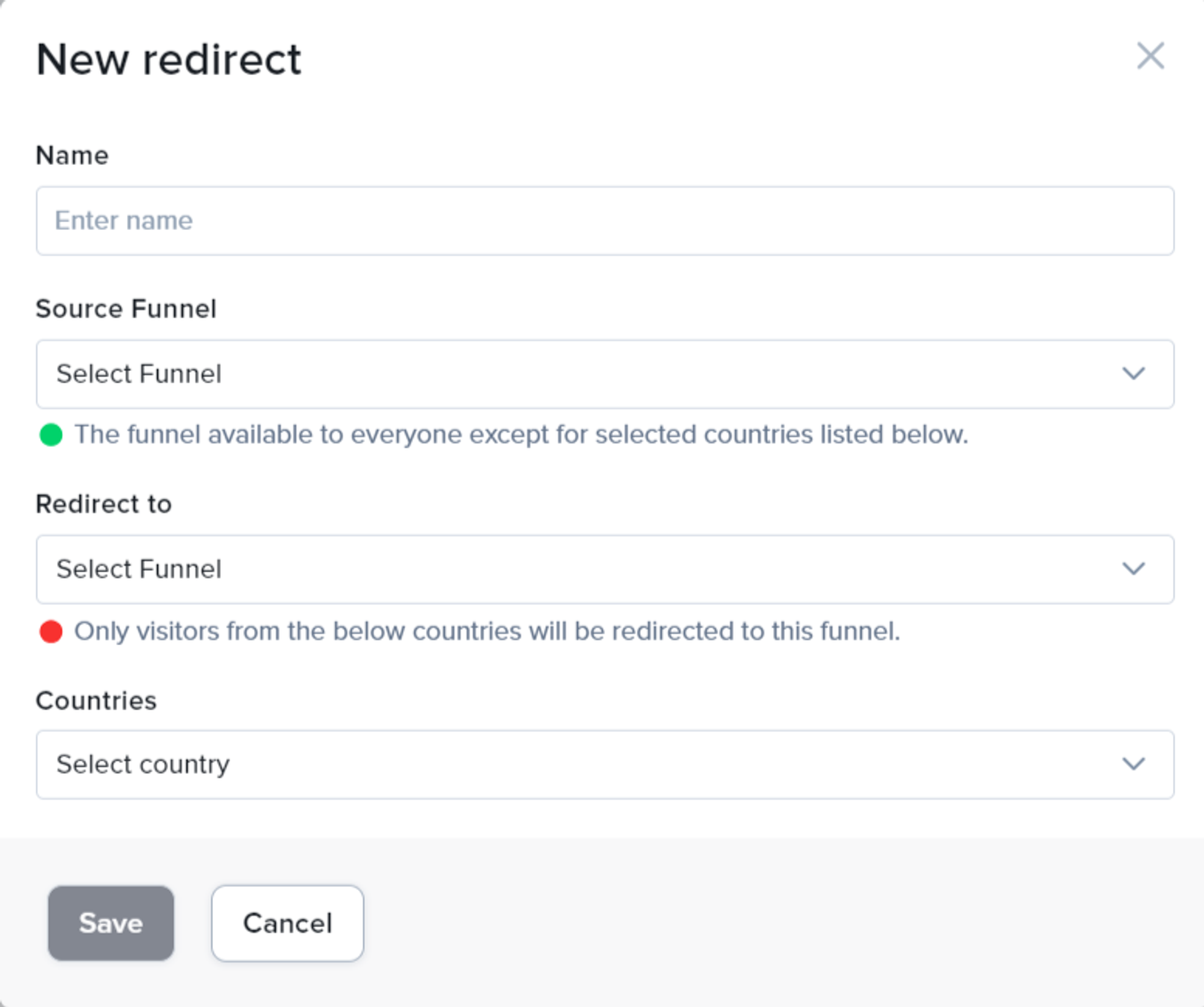
- Fill in the form:
- Name: a name to help you recognize the redirect.
- Public Funnel: the funnel featured in your ads. This is the link you share.
- URL: the public funnel’s URL, shown for the funnel you picked.
- Hidden Funnel: the funnel that visitors from the countries below are redirected to.
- Countries: the countries whose visitors are redirected to the hidden funnel. You can pick as many as you want.
- Click Save.
Visitors from any other country stay on the public funnel.
Manage redirects
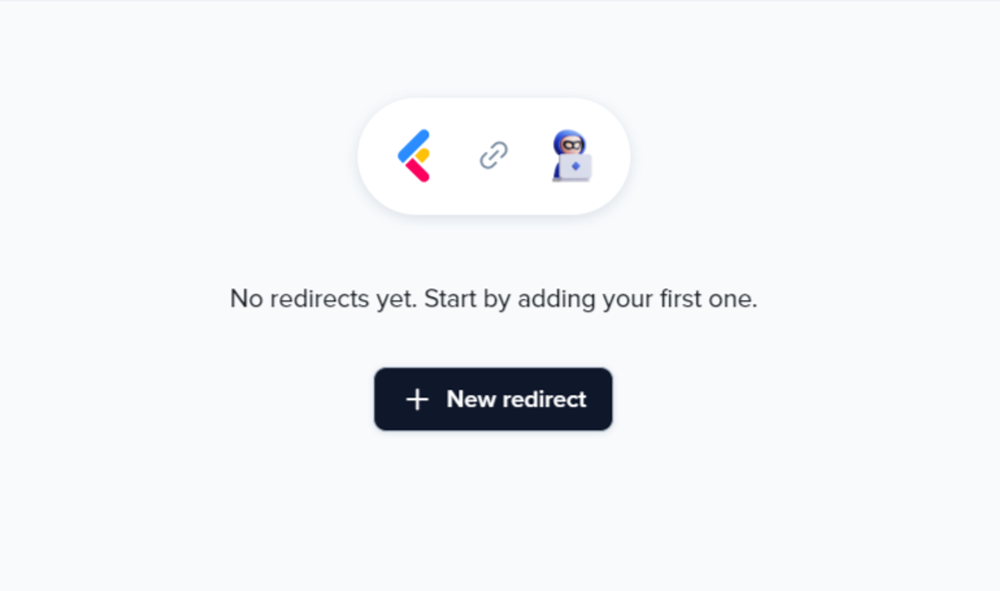
Section titled “Manage redirects”Your redirects are listed in a table with these columns: Name, Source (the public funnel), Redirect to (the hidden funnel), Countries and Actions. Click the ⋯ menu on a row to Edit or Delete a redirect. If one of its funnels was deleted, the table shows Funnel Deleted and Edit is turned off for that redirect.
Test a redirect
Section titled “Test a redirect”To see the hidden funnel, open the public funnel’s URL from one of the countries you selected. To test from another location, use a VPN set to one of those countries.