Live View
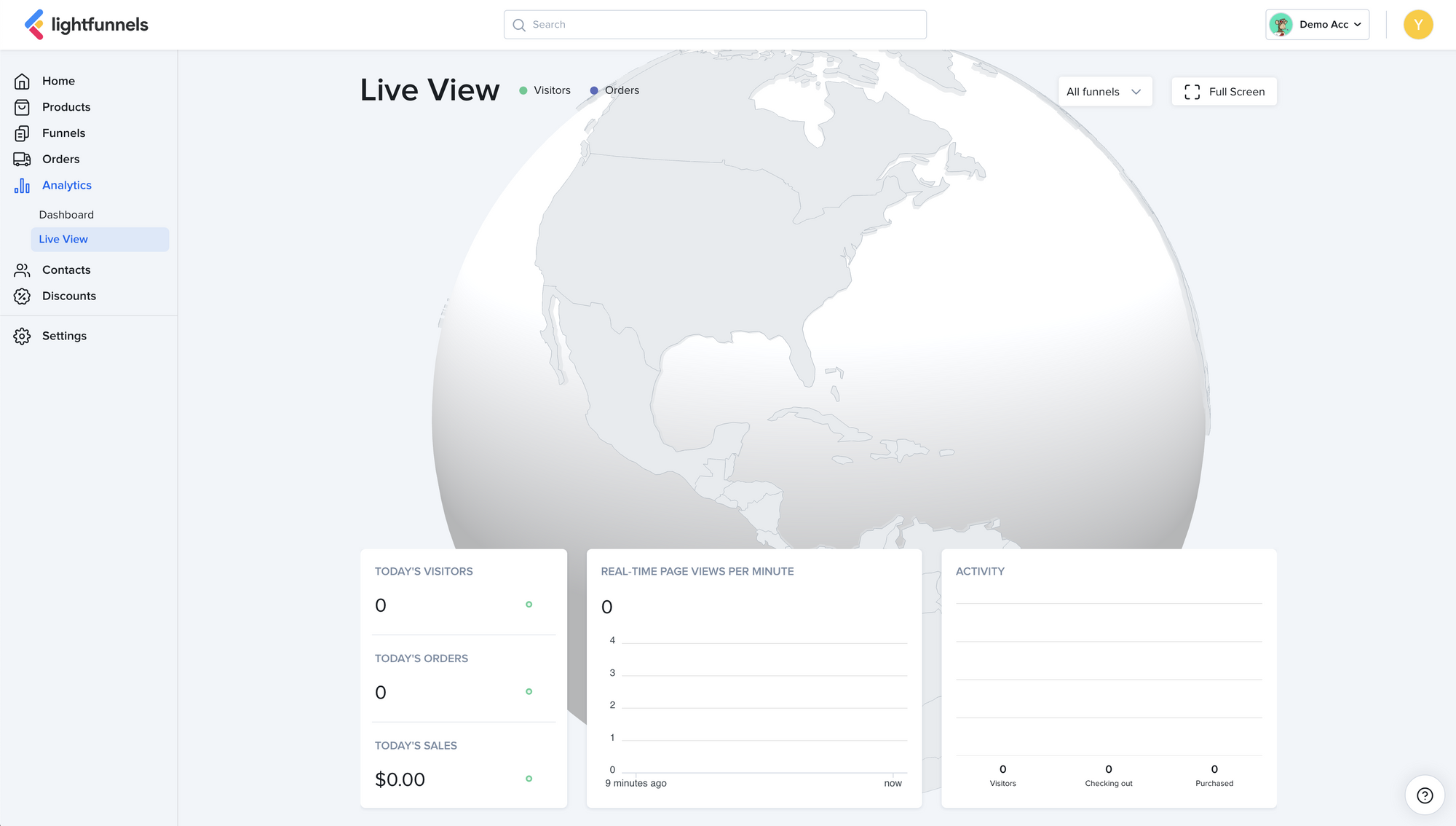
The Live View gives you an overview of what’s currently happening on your funnels and stores.
To open it, go to Analytics > Live View.
The globe shows where your visitors and orders come from. Green dots are visitors, and purple dots are orders.
Live metrics
Section titled “Live metrics”- TODAY’S VISITORS, TODAY’S ORDERS, and TODAY’S SALES: your totals for today.
- REAL-TIME PAGE VIEWS PER MINUTE: page views for each of the last 10 minutes.
- ACTIVITY: how many visitors are browsing, checking out, and have purchased right now.
Filter by funnel or store
Section titled “Filter by funnel or store”By default, you see live data for all funnels and stores. Use the picker at the top right to see a specific funnel or store.
Full screen
Section titled “Full screen”Click Full screen to show the Live View on the whole screen. Click Exit full screen to go back.